Tasks and categories
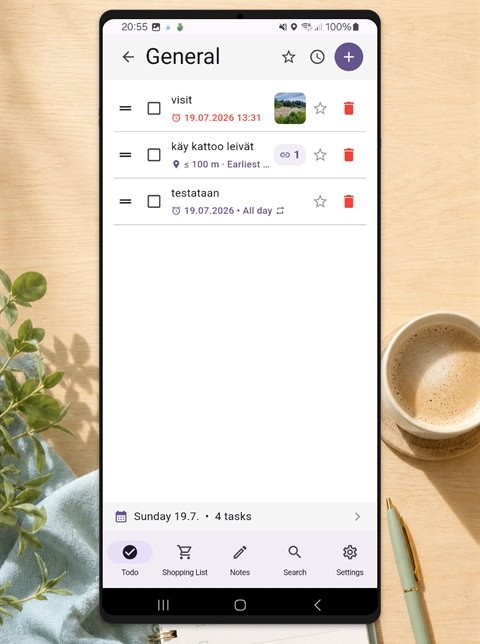
Group tasks into your own categories, give each one an icon and a color, and drag them into the order you want. Star the important ones to filter them.
A to-do list, a shopping list and free-form notes in one clean app. No account, no ads, works offline.
Everything everyday lists need - and nothing more.
Group tasks into your own categories, give each one an icon and a color, and drag them into the order you want. Star the important ones to filter them.
Give a task a reminder time, an all-day reminder, or a daily, weekly or monthly repeat. The month calendar shows open tasks day by day.
Get reminded when you arrive somewhere - like "start the laundry" when you get home. Works even while the app is closed.
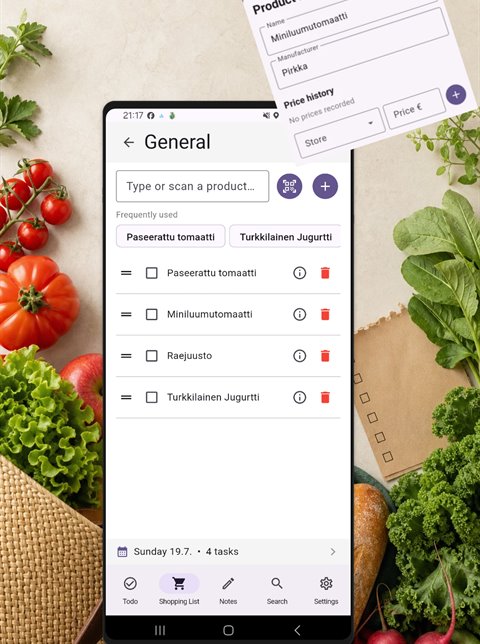
Create lists per store, recipe or weekday, pick a food icon, and optionally the date the groceries are needed by.
Add a product to the shopping list by scanning the barcode with your camera. The product name comes from the Open Food Facts database.
Save the manufacturer and prices per store for a product. The record is shared, so an edit shows up everywhere the product is used.
Write free-form notes, add tags, and attach images, links and PDF files. The image viewer supports zoom and swipe.
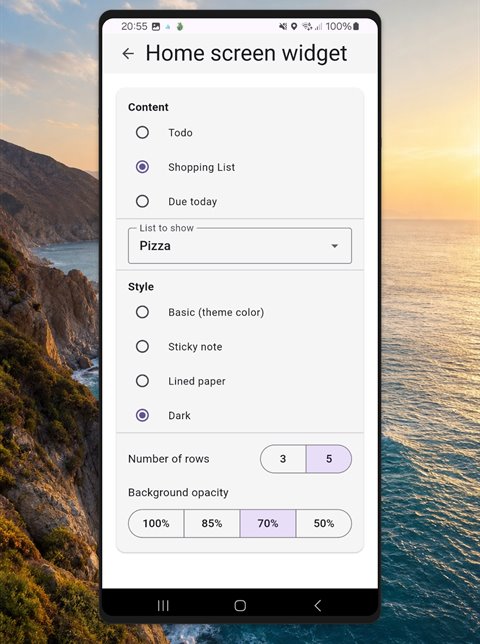
Choose the widget content, style, row count and background opacity. Check a task off straight from the home screen.
Pick a background color, light or dark mode, and your own colors for the header, the bottom bar and every category.
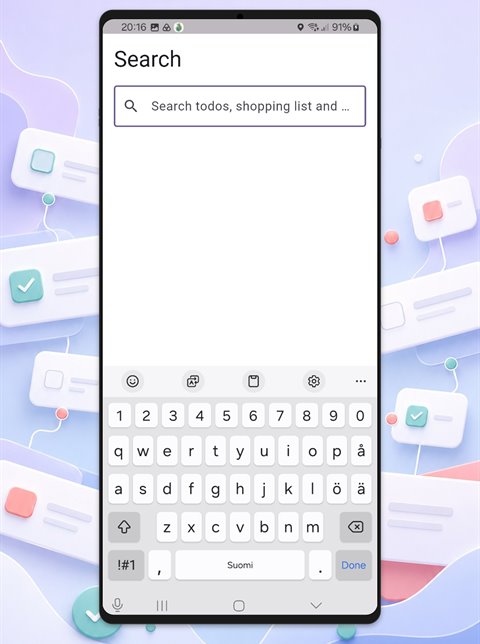
One search covers tasks, shopping lists and notes. Tap a result to edit it directly.
Share text, links, images and PDF files from other apps into TinyNotes and fill in the details before saving.
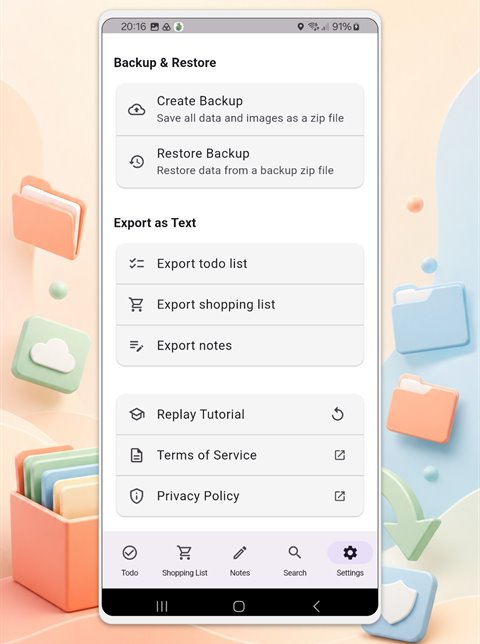
All data and attachments in a single zip file, and back again even on a new phone. Lists can also be exported as text.
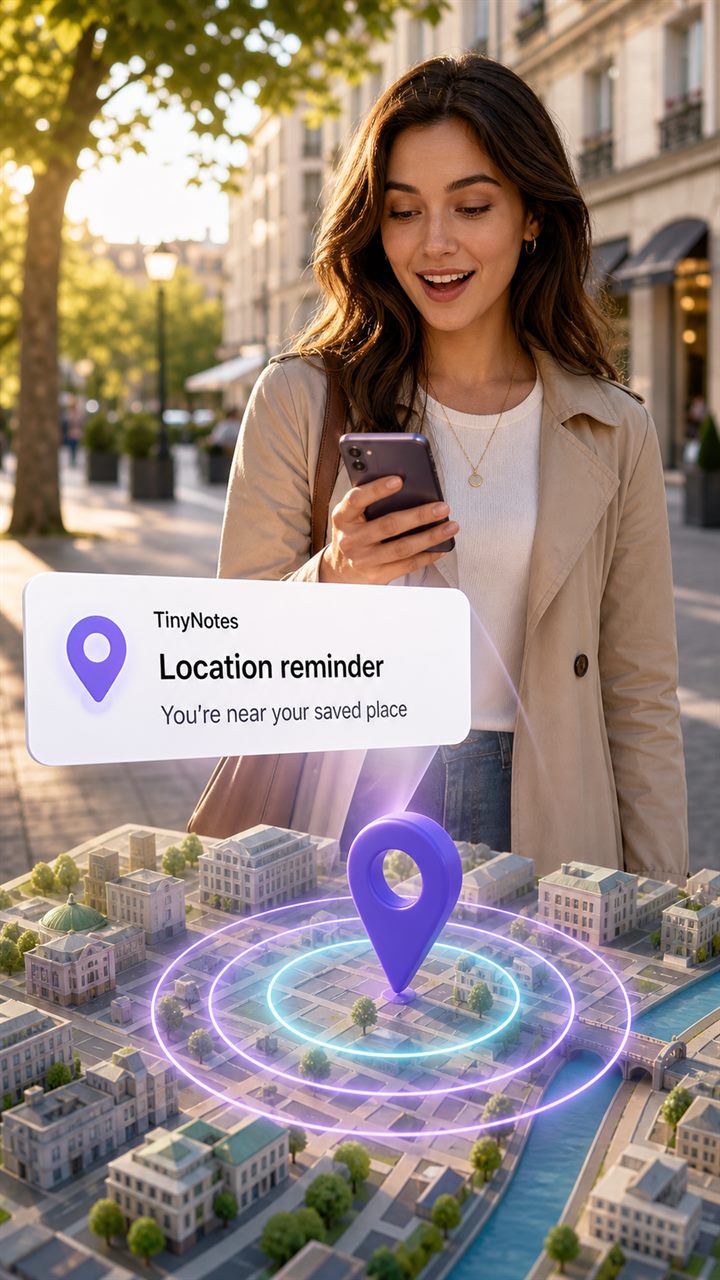
Not everything is best remembered by the clock. Give a task a place, and the reminder arrives when you are there.
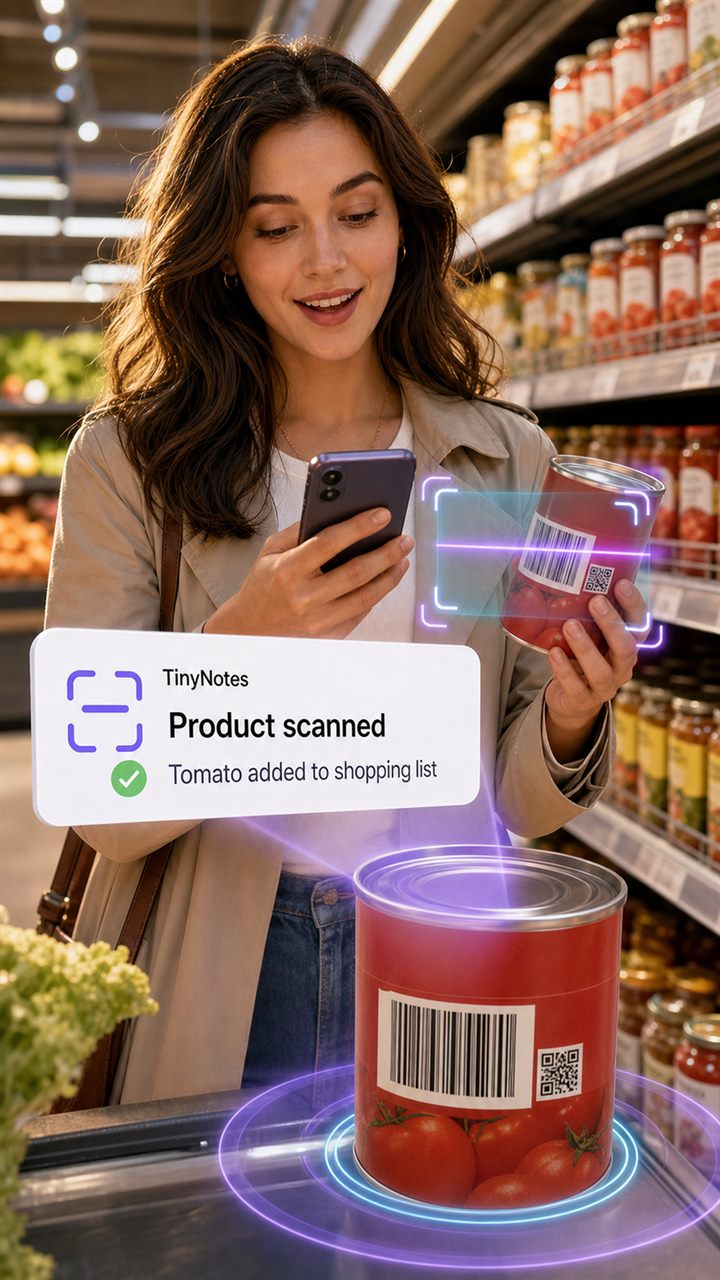
No typing in the store. Scan the barcode on the package and the product is added to the list, name included.
TinyNotes 1.9.0
The core features are free and stay free. If you want the rest, a single one-time purchase unlocks them - no subscription, no monthly fees.
The purchase is one-time and tied to your Google account. On a new device you can get it back from the app settings under Restore purchases.